How to Make AI Zombie Videos for Free: Filters, Templates & Prompts
Free and low-cost paths to zombie effects for TikTok in 2026. Compare CapCut templates, AI video credits, custom prompts, watermarks and the difference between a filter and a full video.
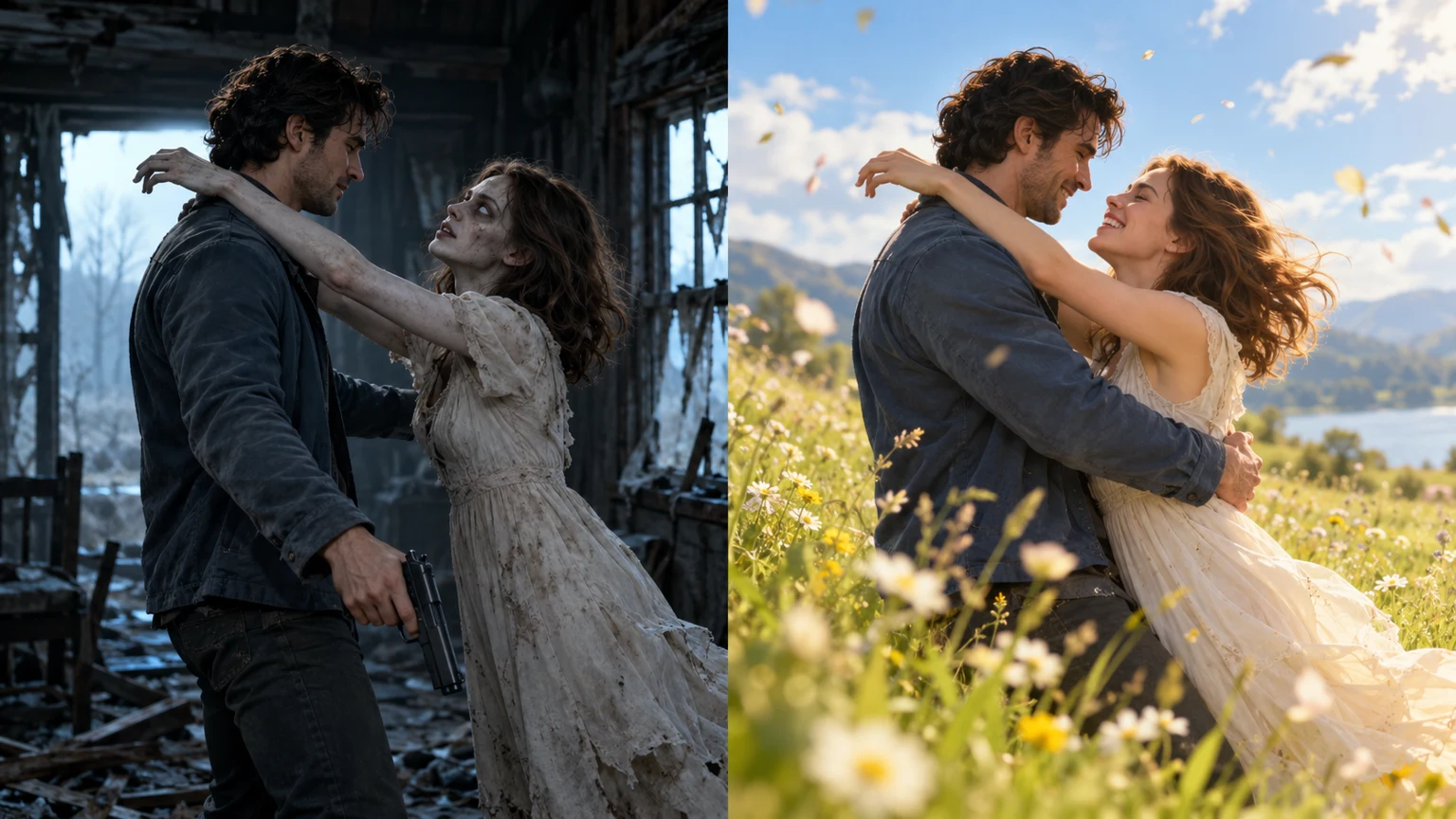
Want the zombie trend without paying first? Start with a free editing template, photo filter, or any trial credits available from a video AI service. These can be useful for short transformations; they may not create the entire two-person zombie reunion story you see in cinematic trend videos.
Important: “Free to download” is not the same as “free to generate and export.” Credit quotas, watermarks, video length, wait times and commercial-use terms change. Always check the provider's own pricing page before uploading private photos.
Four ways to start
| Route | What you create | What to check | | --- | --- | --- | | CapCut templates | An edited zombie-inspired short using your existing media | Does the specific template require Pro, branded exports or additional clips? | | PixVerse | Short AI effects or image-to-video experiments | Is a suitable zombie effect available? Check free credits and watermark policy | | Dreamina | Custom-looking character or horror imagery and supported video options | Check account eligibility and current video generation quotas | | Kling AI | Prompt-guided image-to-video experiments | Check current trial credits, model duration and queue restrictions |
None of the rows guarantees an ongoing free tier. Each describes a workflow to investigate rather than a currently verified free offer.
Option 1: make a zombie-style clip with a CapCut template
- Open CapCut and look for “zombie AI,” “zombie transformation,” or “zombie couple.”
- Preview the actual template. Some change a face; others arrange your own photos or videos into an edit.
- Add only photos you have permission to use. Check whether the template needs existing motion footage.
- Add sound, captions and a 9:16 export for TikTok or Instagram Reels.
- Confirm resolution, watermark and licensing terms before sharing.
This path often requires more manual editing but may be sufficient for a simple jump scare or Halloween reveal.
Option 2: animate your photo with AI video credits
General image-to-video tools give you more control over motion: someone slowly turns toward the camera, their eyes change, the street darkens, or the camera pushes toward an eerie expression. The trade-off is that you may need to iterate, spend credits and combine several clips yourself.
For realistic faces, choose a clear, well-lit starting portrait. Avoid prompts that demand multiple unrelated camera angles within a very short generation. Don't assume that an advertised HD option or unlimited trial applies to your chosen model.
Option 3: try a starter zombie transformation prompt
Use this as a starting point in a compatible image-to-video tool:
Create a short vertical 9:16 cinematic scene from the supplied portrait. The same adult character gradually takes on theatrical zombie makeup: pale skin, subtle dark veins and an unsettling distant gaze. Add gentle head movement, atmospheric fog and a slow camera push-in. Keep the face recognizable and the framing stable. Non-graphic fictional horror. No text, logos or extra people.
Adapt the prompt to the tool's policy and supported duration. It will not guarantee the same identity or the same visual outcome each time. For a two-character embrace, use our photo-to-zombie-video guide.
Option 4: if you want a complete zombie love story
If your desired result is two personal photos → tense zombie encounter → emotional embrace → downloadable video, a prepared flow may save editing time. ZombieTrend is one such option, but it is not free: its guest single-video purchase is $9.99, with 4–15 second length choices and 480P/720P output.
Before paying, watch the real Seedance Mini example. This is a genuine 5-second, 480P MP4, not a simulated result or a promise of perfect likeness.
Free filter versus paid video: the real difference
A photo filter gives you a zombie portrait or effect. A video template may animate or arrange media you already have. A video generator synthesizes moving footage from reference material. Neither a free template nor a paid service guarantees perfect face consistency or that a clip will go viral.
Frequently asked questions
Is there a completely free unlimited AI zombie video generator?
We cannot verify a permanent unlimited offer among the services above. Free trials and promotions can be withdrawn or restricted by region and model. Check live terms.
What format works best for TikTok and Reels?
A 9:16 vertical MP4 is a practical choice. Check the preview, audio and captions before uploading.
Can I make a zombie video with one selfie?
Yes, for a single-person transformation effect. A two-person love story usually benefits from clear references of both people.
Will using a free tool keep my uploaded selfie private?
Privacy depends on that provider's policy and retention settings. Read those terms before uploading identifiable images, particularly children's photographs.
Make a Zombie Video: 4 Steps · Compare the Best Zombie AI Tools · See Our Real Sample