GUIDEOct 27, 2026
Cat Zombie AI Video 2026: Pet Trend Guide
Learn to make a cat zombie AI video with a clear pet photo, gentle non-graphic prompts, video settings, troubleshooting tips, and honest tool limitations.
ZombieTrend EditorialRead Article
From two portraits to a finished clip. Clear how-to guides, real Seedance examples and researched stories behind the zombie AI trend.
Learn to make a cat zombie AI video with a clear pet photo, gentle non-graphic prompts, video settings, troubleshooting tips, and honest tool limitations.
Make the CapCut zombie AI trend in 2026: find templates, add your own AI zombie clips, edit the flashback, fix common problems, and publish vertical video.
Post a zombie AI video on TikTok or Reels: download your MP4, check 9:16 framing, choose music, add AI-content labels, and preview before sharing.
Zombie AI video stuck processing or rejected after photo upload? Diagnose image review, provider errors, failed renders and what to do before retrying.
Looking for the original zombie couple video? Find the version you saw, check creator credits, identify its audio and distinguish remakes from original clips.
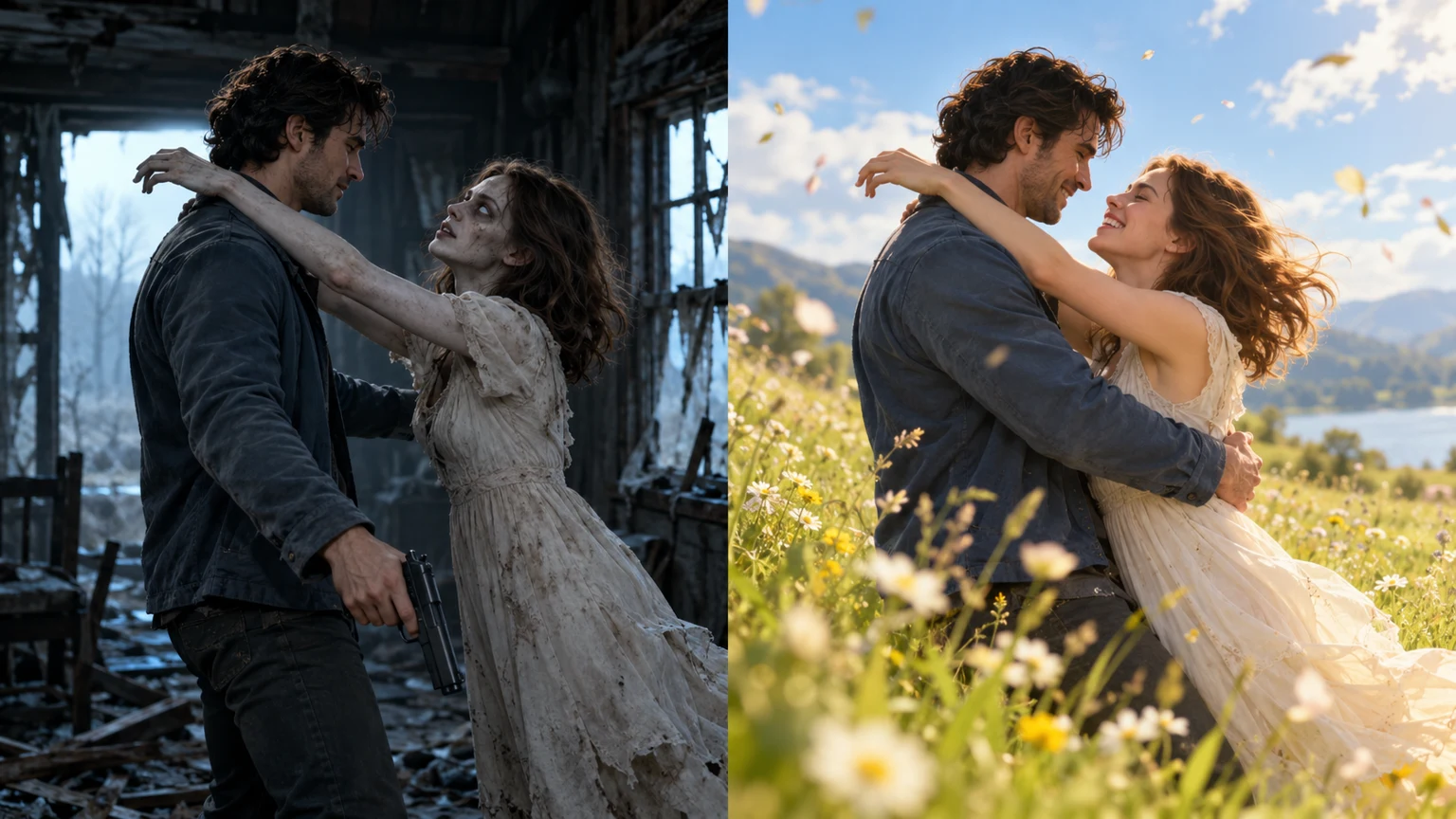
How does the viral zombie shooting flashback work? Plan the cannot-shoot scene, zombie hug and memory cut with two portraits and realistic AI video prompts.
What song plays in the zombie AI trend? Identify audio on the exact Reel or TikTok, sync a piano or original sound to the flashback, and respect music rights.
Compare ZombieTrend, Kling AI, PixVerse, Dreamina and CapCut for TikTok zombie videos. Learn the difference between full image-to-video generation, effects and templates, with a real Seedance MP4 example.
Free and low-cost paths to zombie effects for TikTok in 2026. Compare CapCut templates, AI video credits, custom prompts, watermarks and the difference between a filter and a full video.
Learn how to turn one selfie or two portraits into moving zombie content, what is different from a static filter, how to avoid face drift, and how to share a vertical MP4.
Fix facial drift, melting hands, and morphing characters in your AI zombie videos. 5 practical fixes for Wan 2.1, Kling AI, and dual-reference tools.
Explore the viral zombie AI trend sweeping TikTok and Instagram. Discover why apocalyptic embrace match cuts captivate millions and how creators make them.
Each guide answers a specific question: finding the original clip, preparing two portraits, writing a storyboard, or reducing facial drift. We distinguish real generated samples from creative suggestions and unverified trend claims, so you can review the model settings and limitations before buying or publishing.
We explain the current single-video price and optional credit packs without describing paid generation as free or subscription-only.
We publish the Seedance Mini options actually offered: 9:16 / 16:9, 480P / 720P, and 4–15 seconds, not imagined 1080P or 25-second single clips.
We discuss real risks of facial drift, awkward movement and character swaps, and explain ways to improve reference photos without guaranteeing perfect likeness.
We remind creators to upload photos they have permission to use and check the stated photo-retention and privacy terms.